
Mobile Robots & Autonomous Forklifts
Mobile robots.
Autonomous forklifts.
Move pallets, racks and totes between storage and production. Choose how the robot handles the load, then check the route, receiving stations and task controls.
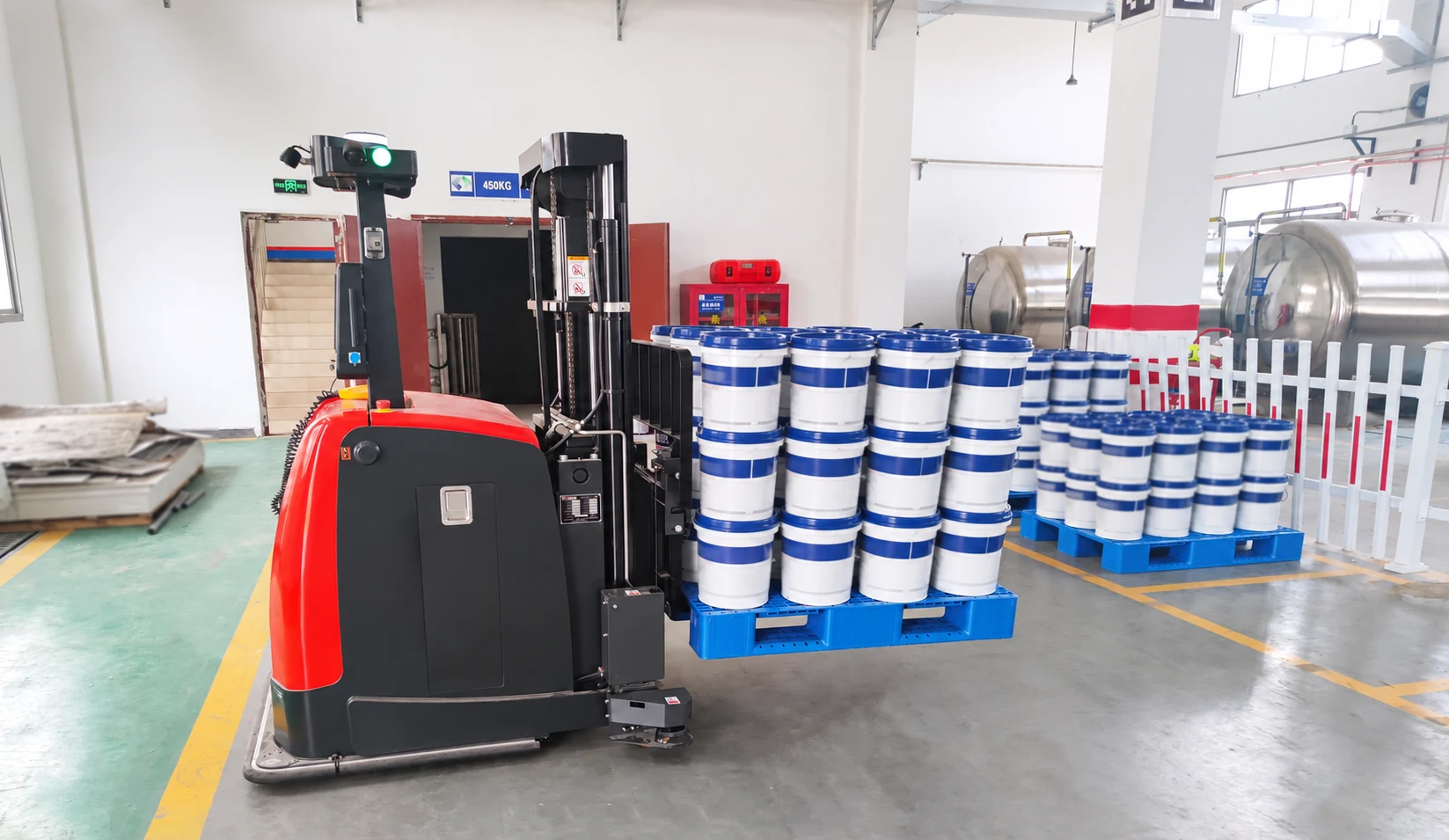
Carry the rack.
Or tow the train.
A lifting AMR carries a compatible rack or carrier. A tow tractor pulls wheeled trailers. Neither arrangement replaces a forklift when the job needs forks and a lifting mast.
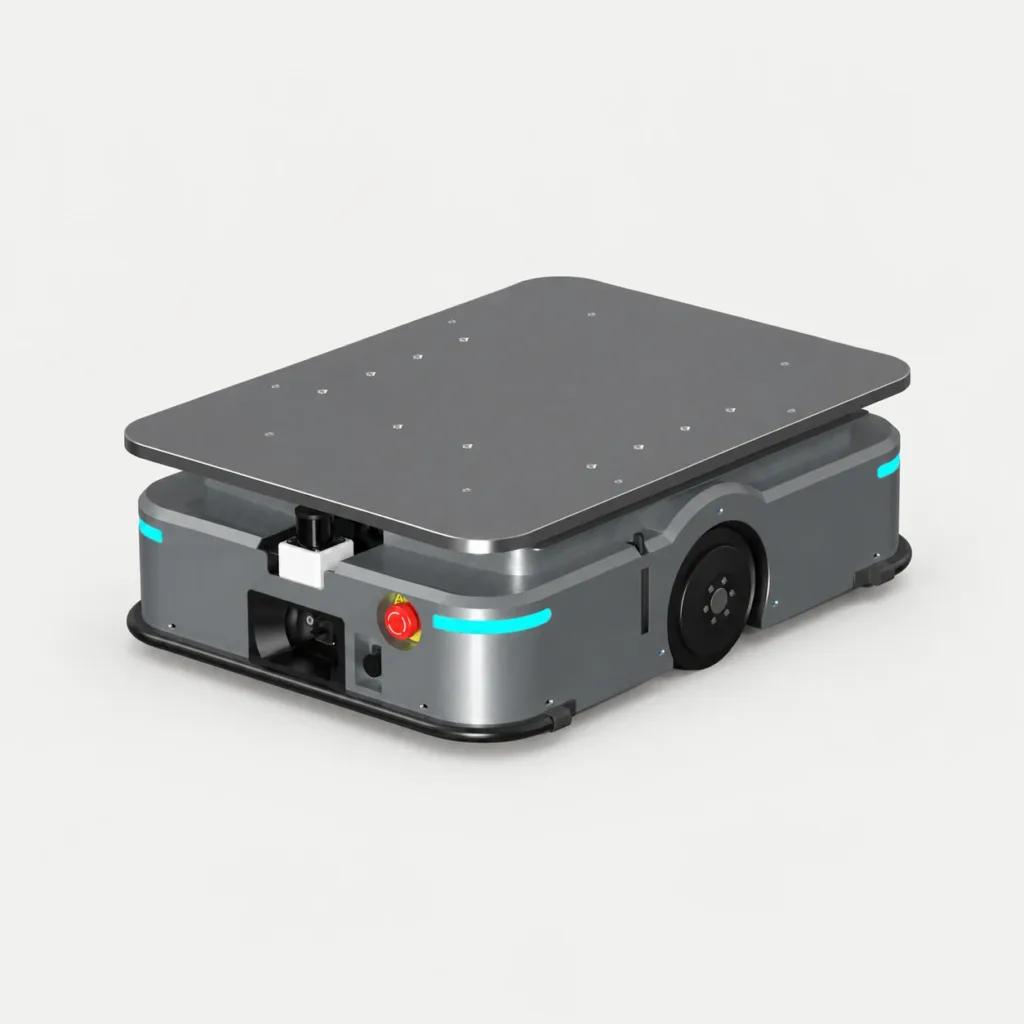
Transport AMRs
A low robot moves beneath a compatible rack and lifts it for transport. Other configurations use a load deck or conveyor module.
Fit & handoff checks
- Check entry clearance, leg spacing, underside contact points and loaded centre of gravity. A bare robot platform is not proof that an existing rack fits.
- Choose whether the robot sets down the rack, waits for manual unloading or transfers a load through a conveyor. The upper module and station must match.
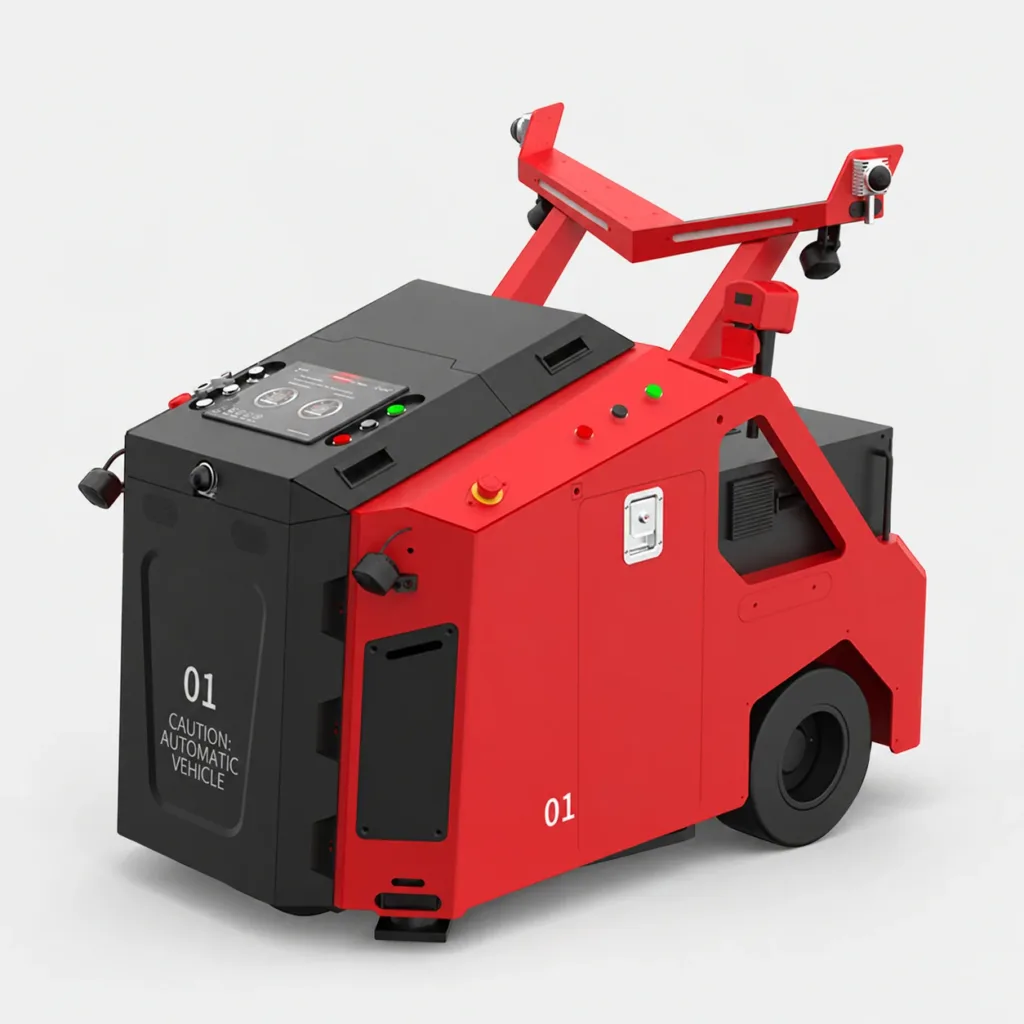
Autonomous tow tractors
Move a train of material trailers on a repeatable supply route. The tractor provides travel; the trailers support the goods.
Fit & handoff checks
- Check the coupling, trailer steering, loaded train length, corners and stopping distance. Tow rating is not the same as an onboard payload rating.
- Decide who loads the trailers and connects the drawbar. Automatic driving does not automatically include coupling or unloading.
Start with the pallet.
Then the pickup height.
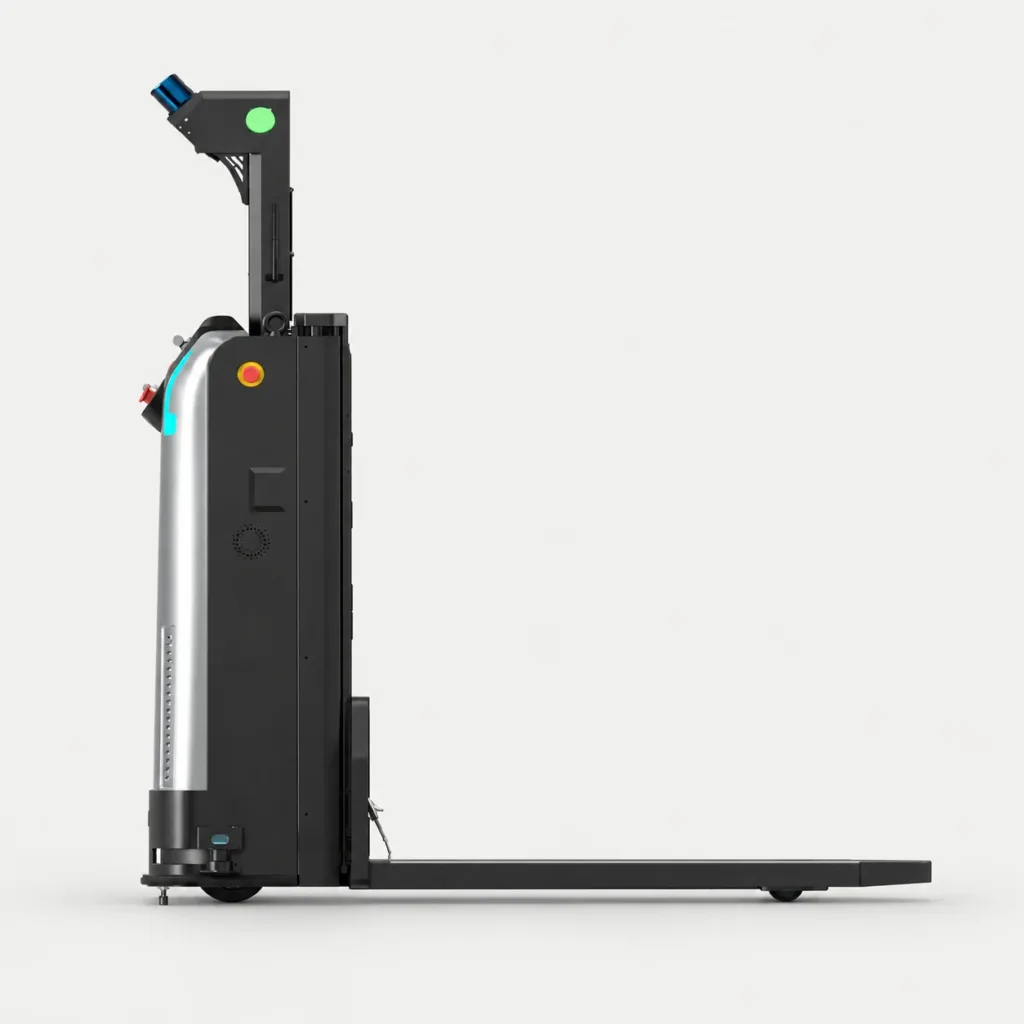
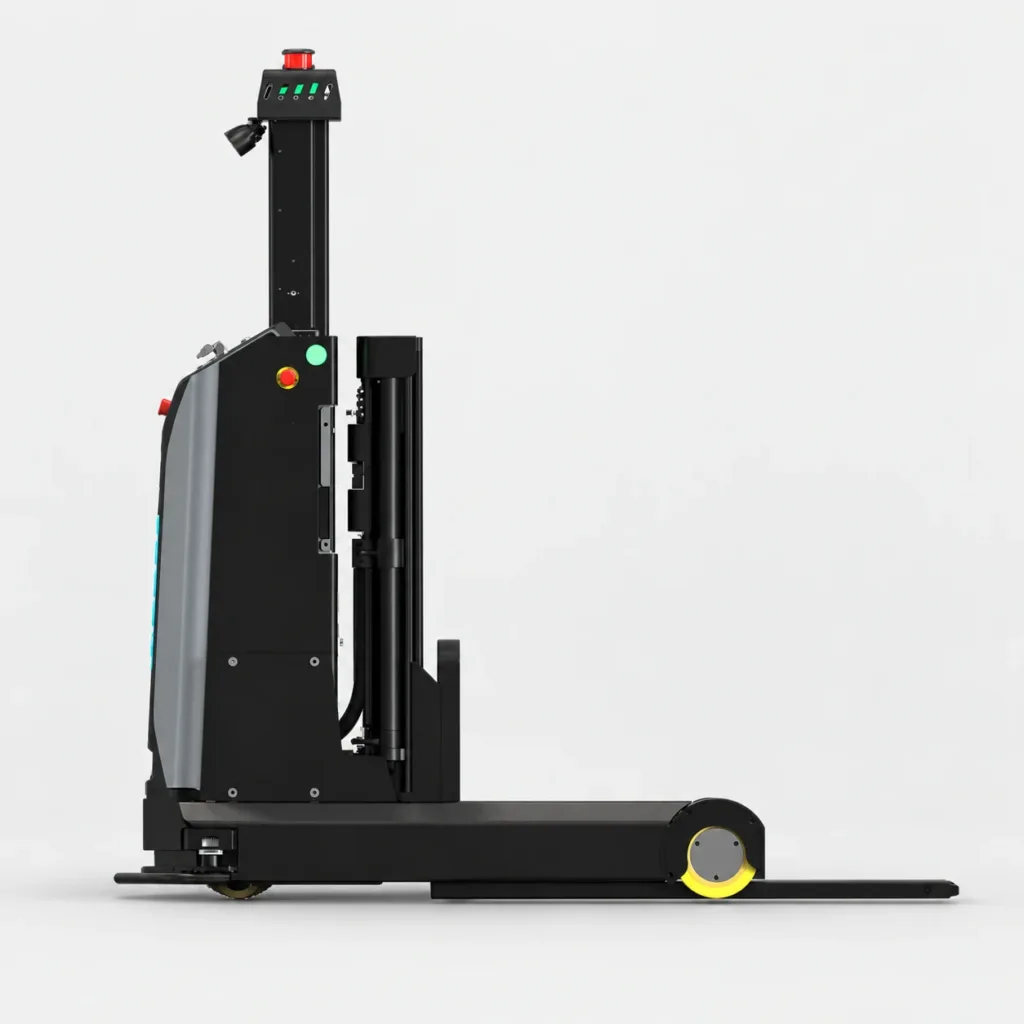
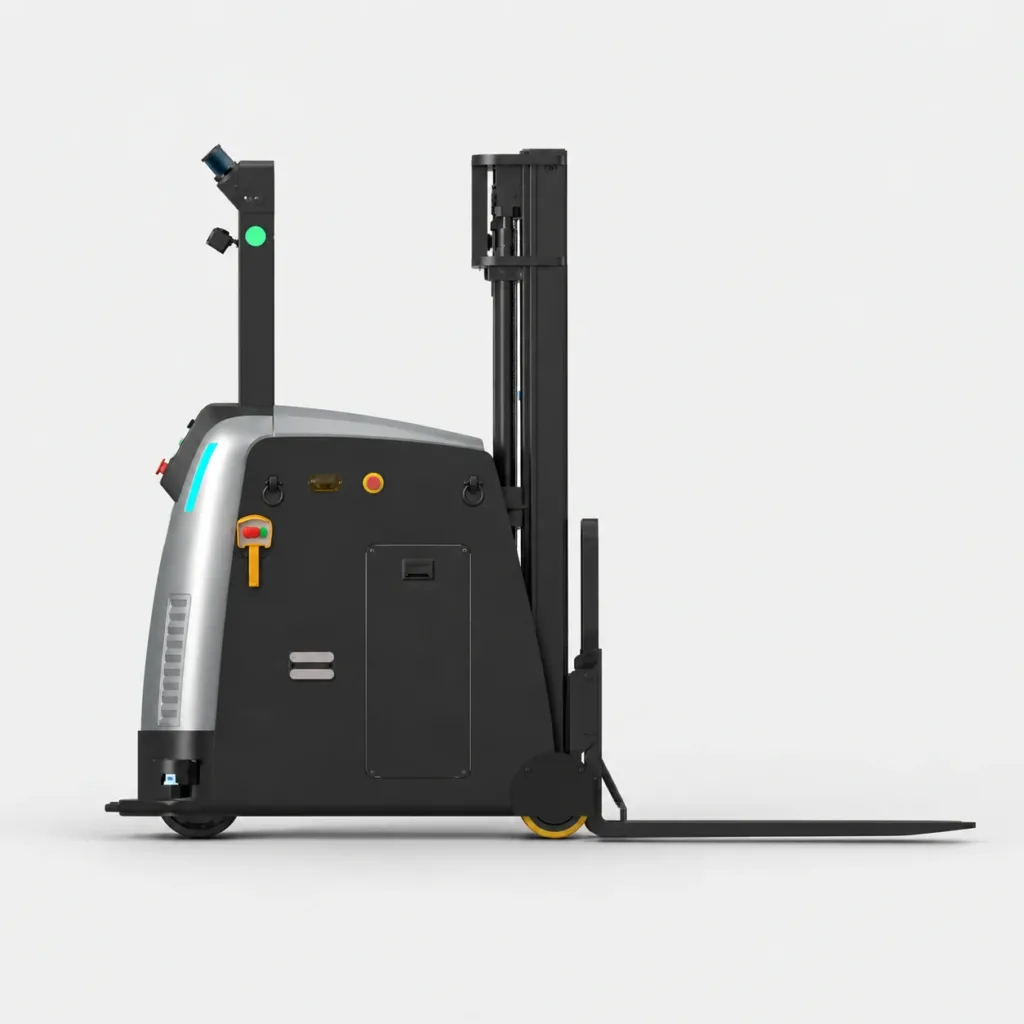
These side views show four different structures. Check the actual pallet underside, fork entry direction and receiving height before selecting a model.
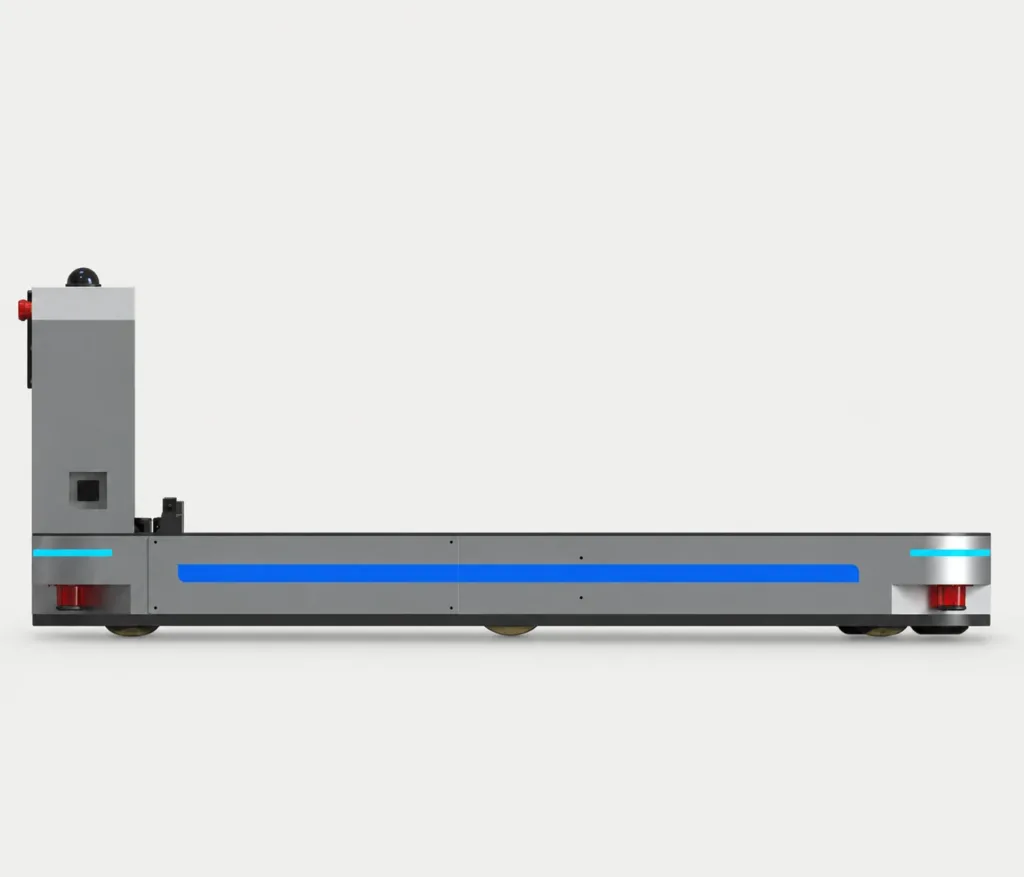
Pallet truck
Lift a pallet just clear of the floor for transport between low pickup and delivery positions.
Fit & handoff checks
- Send underside photos as well as pallet dimensions. Bottom boards and cross-members must leave a suitable path for the forks and load wheels.
- Identify whether each pallet sits on the floor or on a station. Confirm both transfer heights; low-level transport does not provide rack-stacking capability.
Stacker
Use a mast for elevated placement. The support legs need clearance around or beneath the load.
Fit & handoff checks
- Show the space beneath and beside the pallet. Support legs must clear the pallet base, rack feet and any conveyor or machine supports.
- Provide the highest placement level and the lowest overhead obstruction on the route. Check the mast envelope during travel and lifting.
Reach truck
Move the mast forward for pickup and back for travel. Check leg clearance and the racking approach.
Fit & handoff checks
- Show the rack base, pallet overhang and pickup position. The support legs need access while the mast reaches forward to collect or place the load.
- Include the space used with the mast and load extended. An aisle that allows travel may still be too narrow for the pickup or placement manoeuvre.
Counterbalance
Approach the load with projecting forks. Allow for the rear body, load centre and full turning envelope.
Fit & handoff checks
- Useful where front support legs would obstruct pickup. Check that the forks can enter fully and that the load clears nearby machine or rack structures.
- Send load dimensions, centre of gravity and required lift height for model selection. Include the counterweight and rear-body swing when checking corners and station access.
01Does a closed pallet require a counterbalance forklift?
Not necessarily. Some pallet trucks and reach trucks also handle particular closed pallets. Send underside photos and dimensions: the fork entry, bottom cross-members, wheel path and pickup height determine compatibility.
02Where do omnidirectional forklifts fit?
Omnidirectional describes movement, not a separate lifting structure. Some stackers can travel sideways or diagonally. Specify the moves needed at the station, then verify that capability on the selected model.
Move the whole tote.
Or pick an item from it.
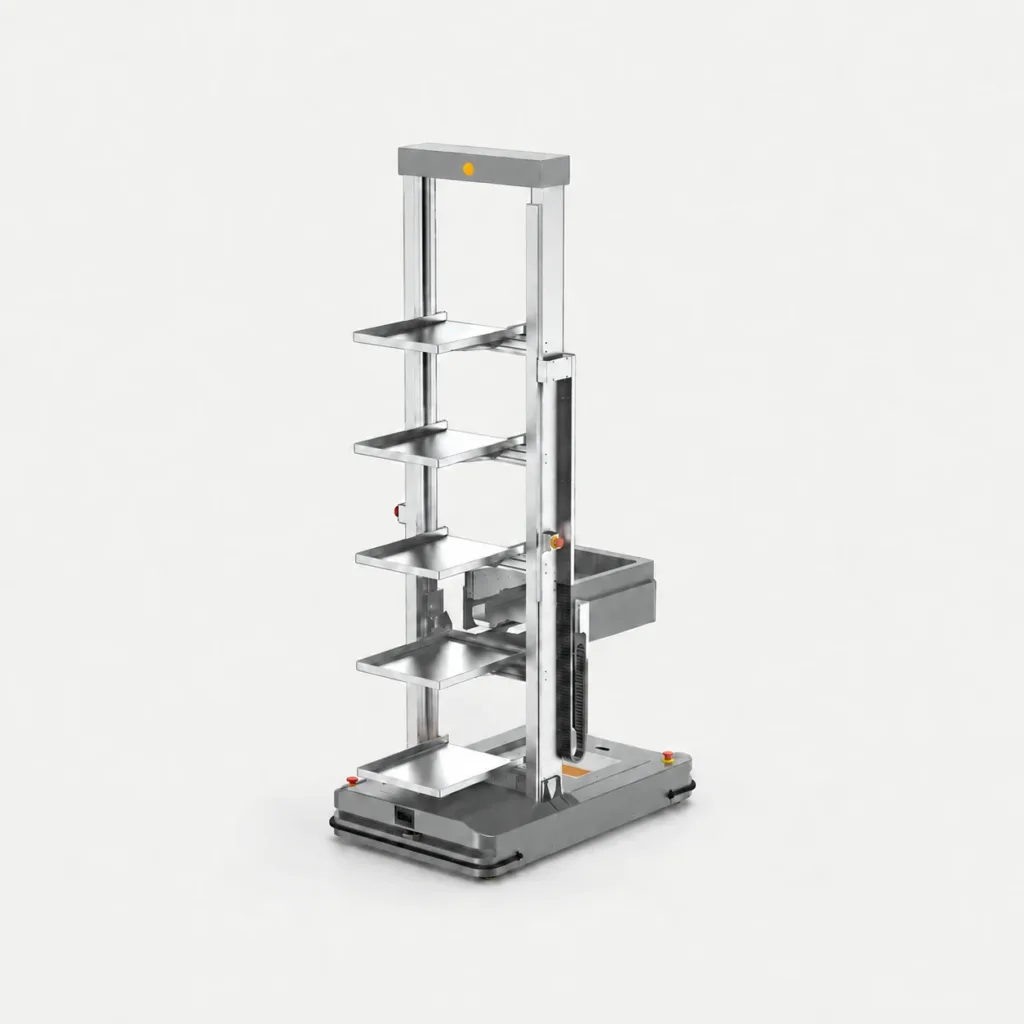
Transporting containers and gripping individual products need different equipment. Identify which action is part of your project.
Tote-handling robots
Collect, carry and deliver whole containers. Transfer mechanisms and onboard storage depend on the tote and station design.
Fit & handoff checks
- Send tote dimensions, underside features, weight and storage levels. Check how the robot engages and releases the container.
- Identify shelf, conveyor or manual handoff, including transfer height and how container identity is confirmed.
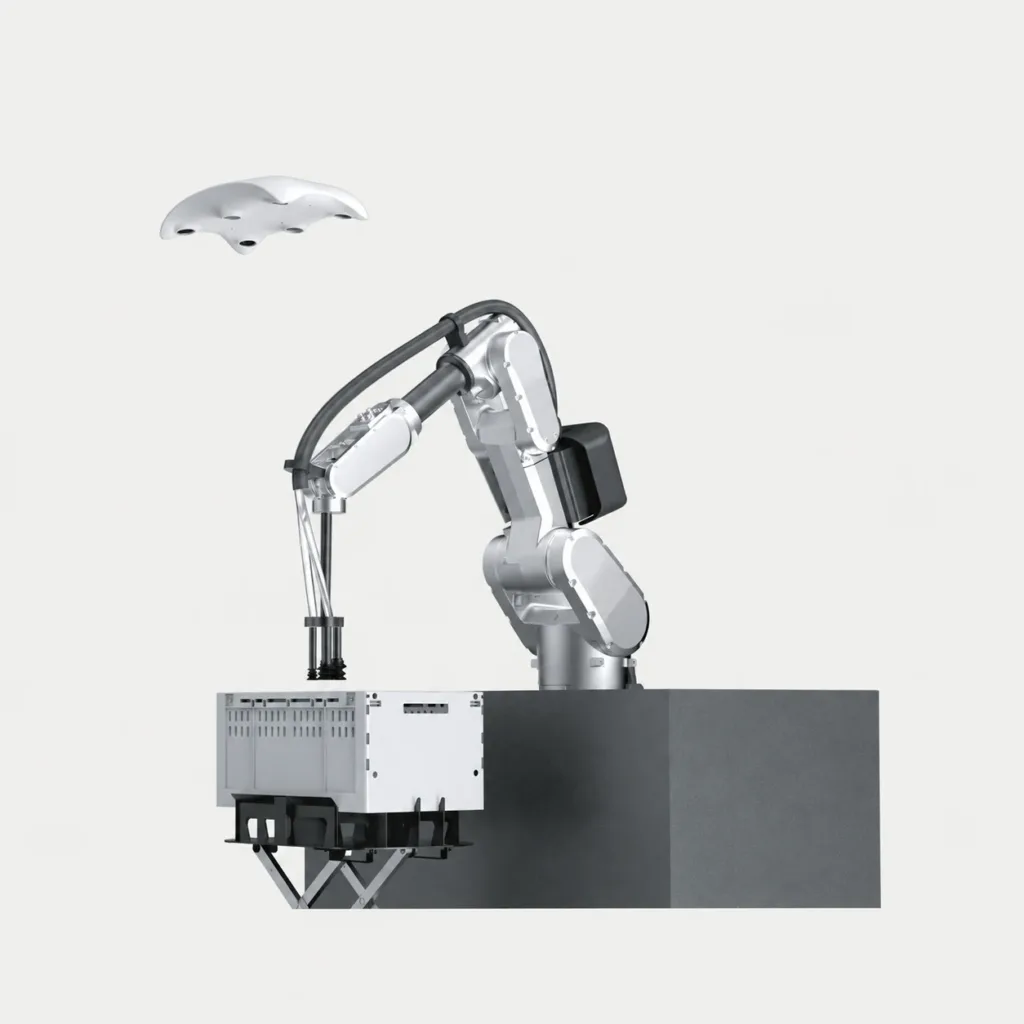
Robotic item picking
A robot arm removes individual items from a tote. This is a picking workstation, not a mobile robot carrying an arm.
Fit & handoff checks
- Share representative items, dimensions, packaging and surface variation. Suction and mechanical gripping suit different objects.
- Decide how totes arrive and leave, what counts as a successful pick and how exceptions are handled. Item suitability and supply scope need project review.
Where does the load
need to arrive?
The receiving operation determines more than the travel distance. These common tasks need different handoff and site checks.
- 01
Replenish a cell
Move racks or totes to an assembly area. Establish the drop position, empty-carrier return and how replenishment is requested.
- 02
Place a pallet
Move between floor buffers, conveyors and racks. Check pallet condition, transfer height and clearance at each destination.
- 03
Serve several stops
Deliver a trailer train along a supply route. Check corner tracking, crossings, loading access and room for the whole train to wait.
01Can the route include doors, lifts or outdoor travel?
These are separate integration and site requirements. Share door and lift dimensions, thresholds, slopes, floor condition and weather exposure. Indoor capability alone does not establish suitability outdoors.
02Can the robot work alongside people and forklifts?
The layout needs a defined traffic plan: crossings, blind corners, stopping areas and access to workstations. Vehicle protective functions and the operating rules must be assessed together for the actual site.
Who sends the task?
Who confirms the handoff?
A working system needs a task source, vehicle coordination and a clear station interface. Existing warehouse software may already cover part of that scope.
01Robot controller: how does one vehicle move?
The onboard controller manages vehicle navigation and motion, together with the selected sensors and vehicle functions. A controller is not, by itself, warehouse inventory software.
02Fleet management: which vehicle takes the task?
Fleet software assigns transport tasks and coordinates vehicles, routes and charging. Support for another manufacturer or controller must be checked; a shared protocol name alone does not guarantee integration.
03Warehouse and station interfaces: what happens at each end?
A WMS or production system can request a move and receive its status. Conveyors, doors or workstations also need ready, occupied and transfer-complete signals. Define who supplies each interface and how failed handoffs are recovered.
Moving large industrial loads?
Compare rail-guided vehicles, trackless transfer platforms and trailers alongside mobile robots.
Explore transfer systemsShow the load.
Show both ends.
Send a few photos and a route sketch. Include the busiest-hour demand so we can discuss the vehicle type, station equipment and integration scope.
Discuss your automation- Weight, dimensions and photos of the pallet underside, rack or tote.
- Pickup and delivery heights, corners, doors and floor conditions.
- Moves per hour, shift pattern and existing production or warehouse systems.