
Automation & Modernization
Build in automation.
Upgrade what you have.
Automation for new cranes and transfer systems. Controls and functional upgrades for existing equipment. Start with the handling task and how much the operator should do.
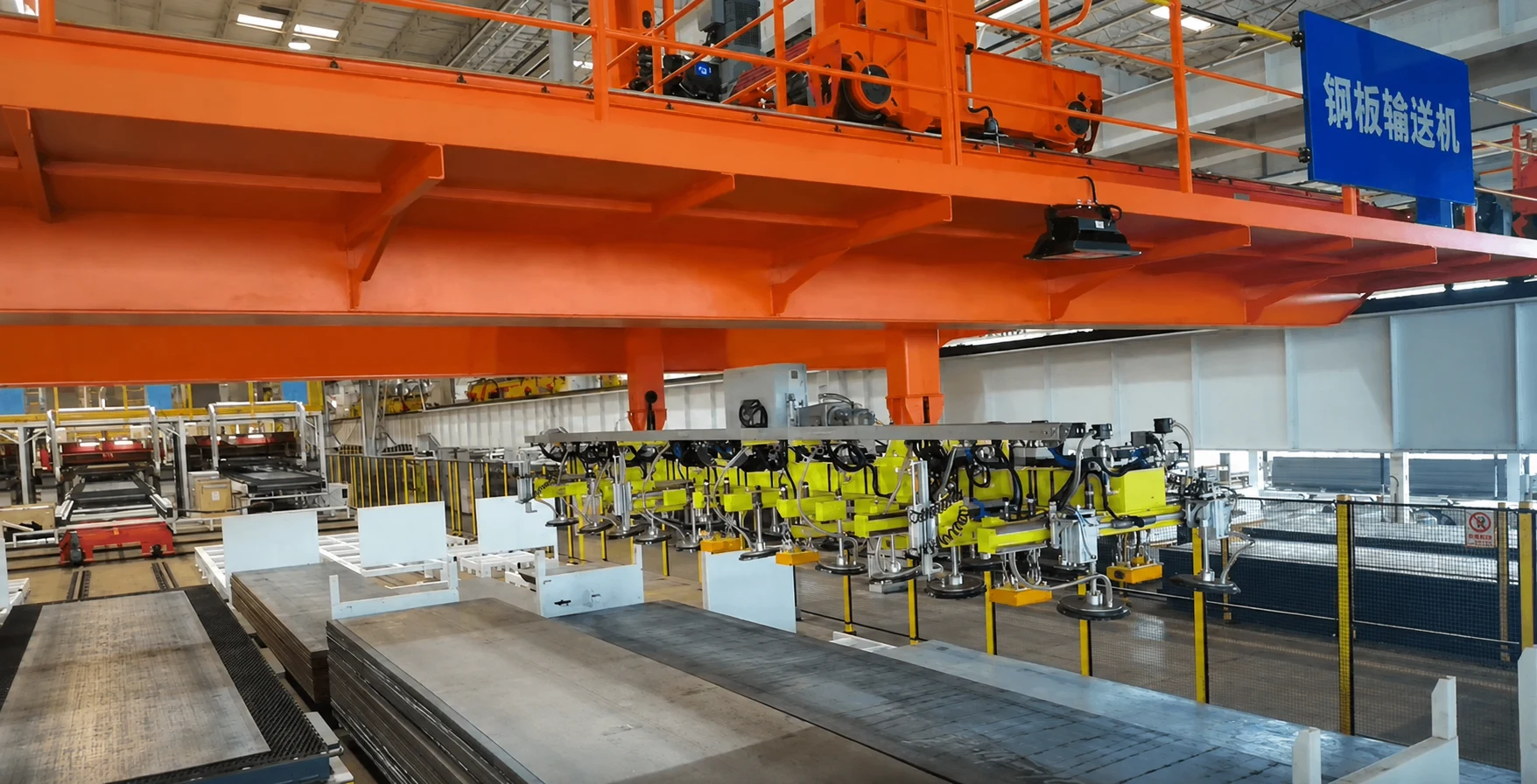
Building new?
Upgrading existing?
Choose the starting point. Both routes can combine operator assistance, automatic handling and equipment interfaces.
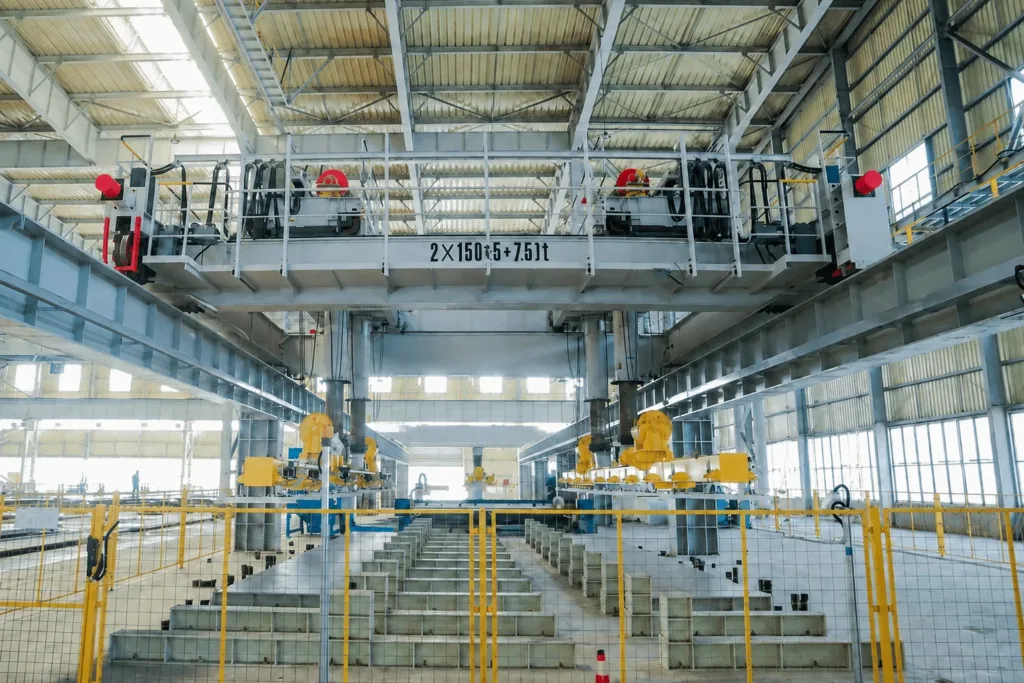
Design the system together
Plan the handling equipment, attachment, sensors and controls around the same task. Decide which steps stay manual before specifying the automatic cycle.
What it needs
- Show the load, pickup and destination, layout and required work rate. A sketch is enough to start; a finished automation specification is not required.
- Agree the equipment, operating modes, station interfaces and tests together. Include future functions that may need hardware now.
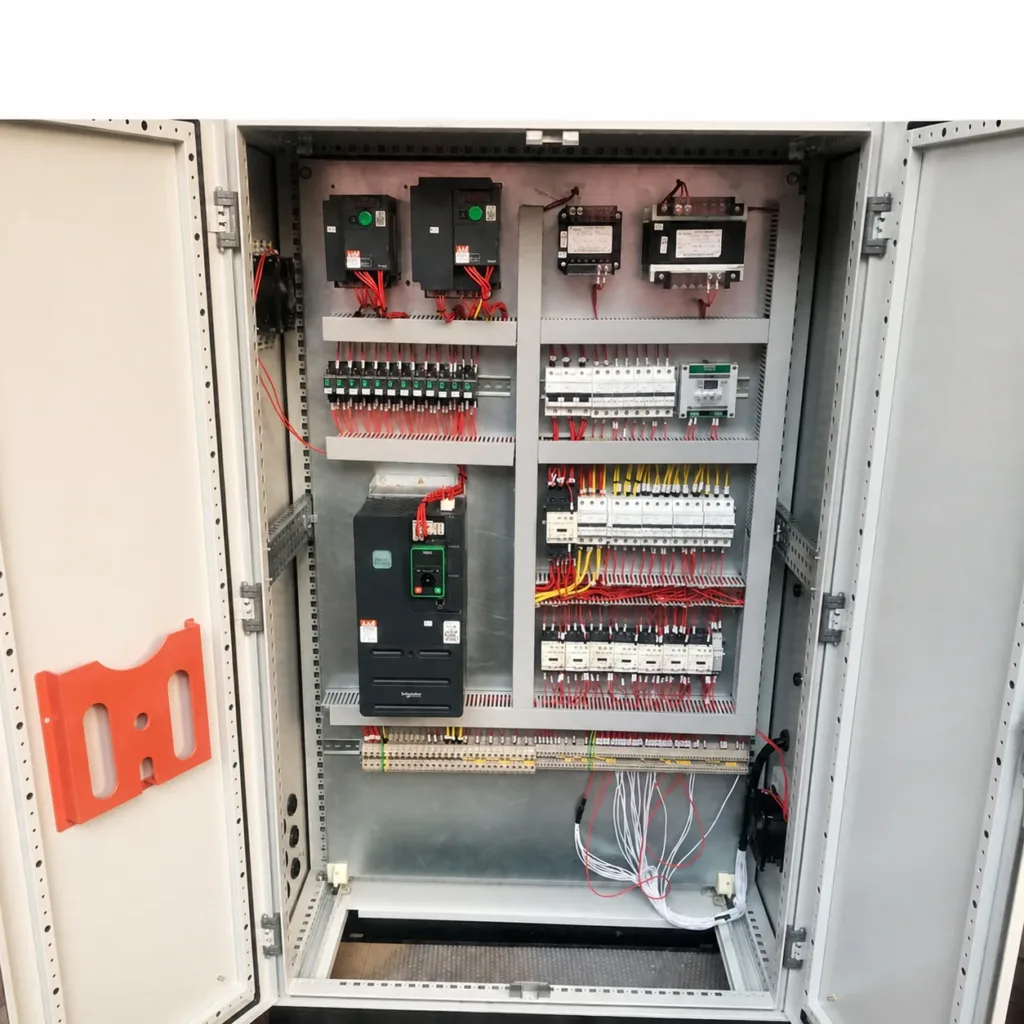
Upgrade a defined scope
Address unreliable controls, difficult positioning or repetitive moves. Check the installed equipment before deciding what to keep, replace or add.
What it needs
- Share the nameplate, cabinet and mechanism photos, available drawings and the problem you want to solve. Missing drawings can be identified during the initial review.
- Identify the available shutdown window and work that can be prepared beforehand. Motors, brakes, field devices and retained wiring need a compatibility review.
Less repeated effort.
A clearer job for the operator.
Select a task below. These functions can be combined; the right choice depends on the load, the stations and the steps that still need human judgement.
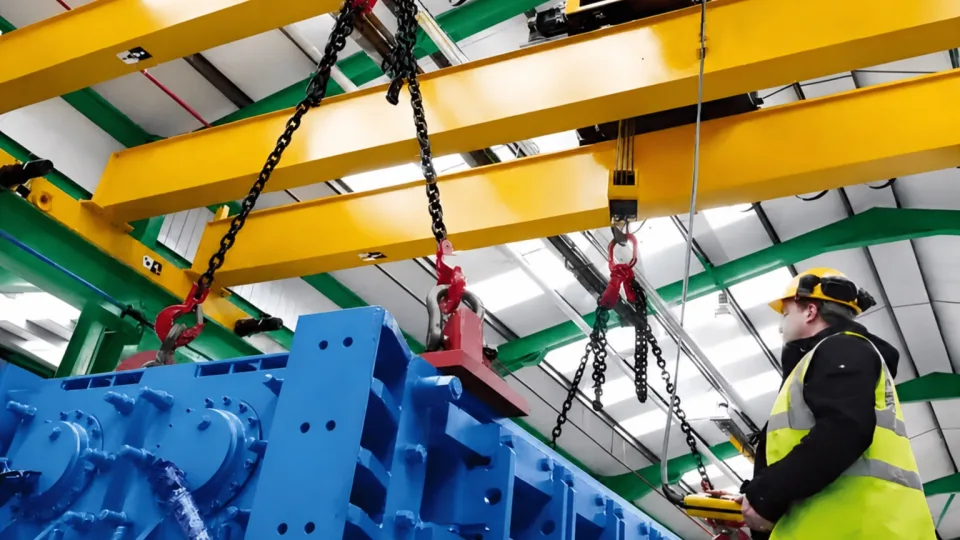
Help place the load
Anti-sway and positioning assistance can reduce repeated corrections. The operator still manages the lift and any manual attachment work.
What it needs
- The destination repeats, but pickup, attachment or final placement still needs the operator. Define the steps the operator should retain.
- Load range, rope length, travel distance and required placement tolerance. Specify the result before choosing sensors and control methods.
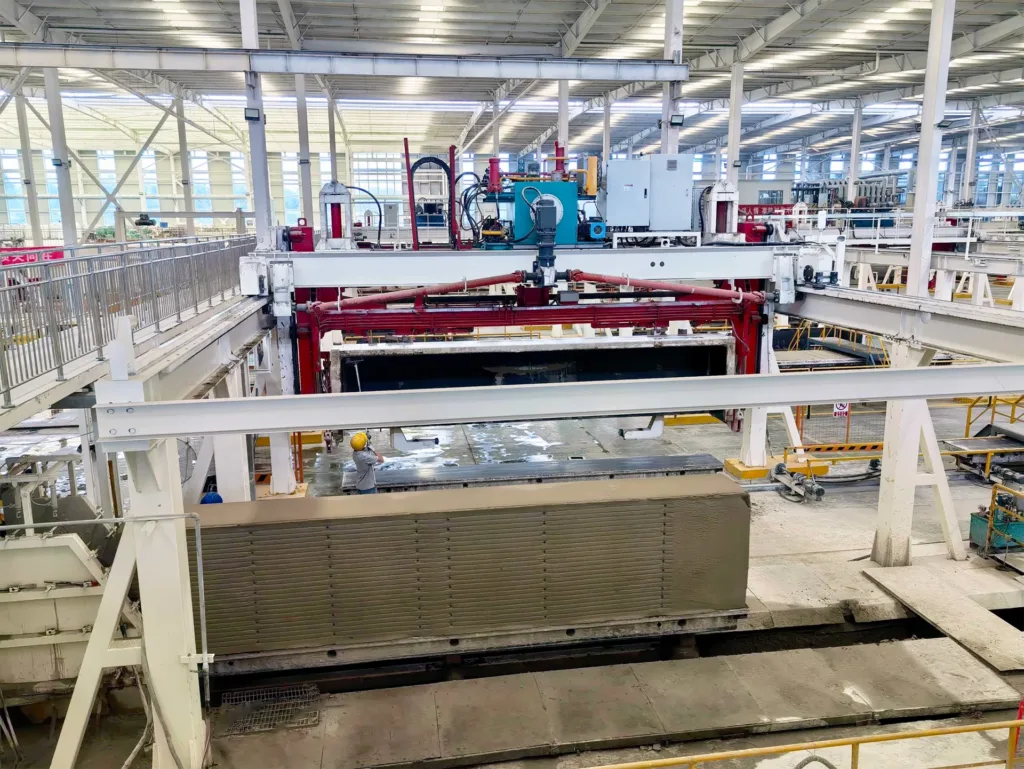
Automate a repeat transfer
Run an agreed movement between defined stations. Manual loading or hooking can remain at either end.
What it needs
- Identify who secures the load, starts the transfer and releases it. Automatic travel alone does not make the whole task unmanned.
- The attachment and receiving station need suitable checks, access control and an agreed response to an interrupted move.
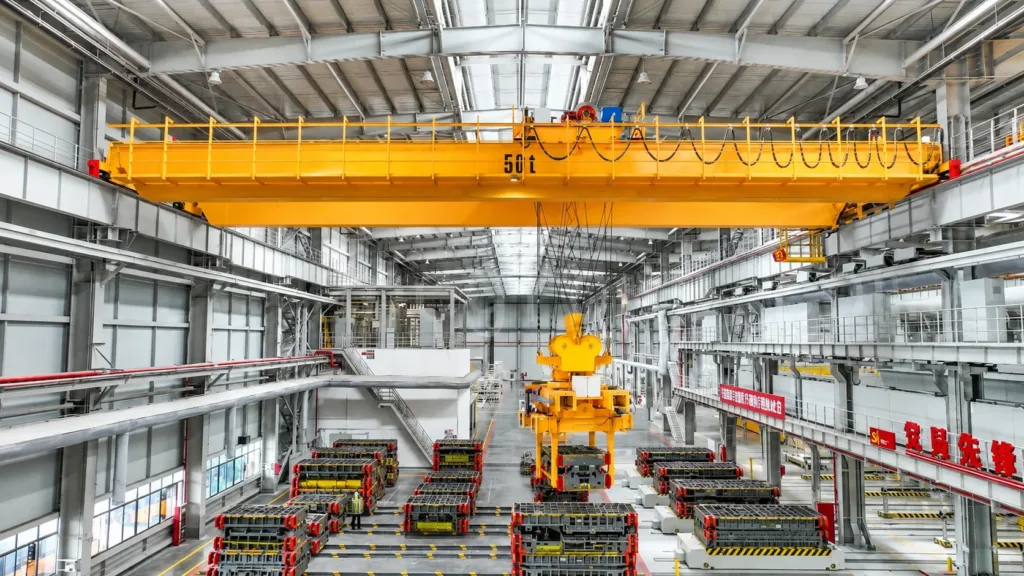
Move to the right location
Coordinate handling with storage locations and material records. Useful for repeated storage and retrieval of defined loads such as dies or plate.
What it needs
- Define the load family, pickup points and storage layout. A changing stock mix may require different gripping or identification methods.
- Agree who issues tasks and updates stock locations. A local storage controller may be sufficient; a plant MES connection is not mandatory.
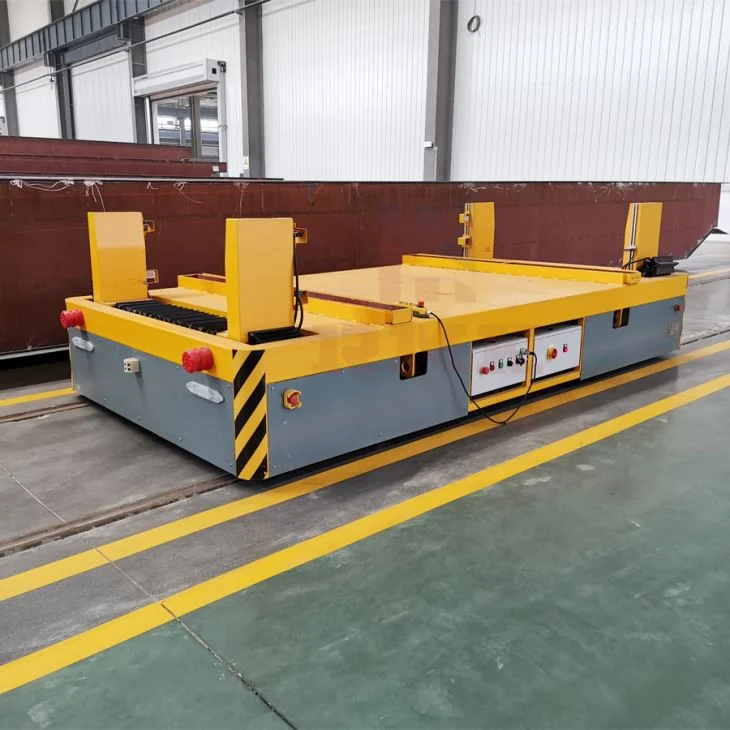
Coordinate the handoff
Exchange ready, permission and completion signals so each machine knows when it can transfer the load.
What it needs
- Confirm stopping position, load support and clearance between machines. The transfer vehicle and receiving machine need compatible load supports.
- Define signal ownership, communication and what happens if a machine is unavailable. Existing controllers are not assumed to be compatible.
See what controls
the movement.
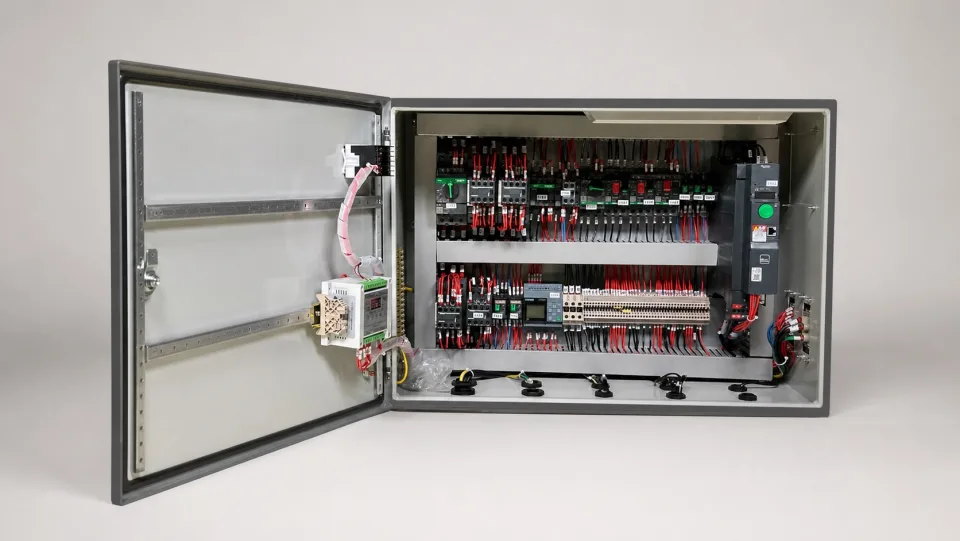
Select a numbered part. Motors, brakes, field sensors and control logic complete the system beyond this cabinet.
01What about monitoring and remote operation?
Monitoring displays status and records alarms or operating data; it does not automatically control the lift or predict failures. A remote operating station lets a person operate from another location. Video coverage, communication, operating permissions and loss-of-connection behaviour need a project-specific design.
Keep, replace
or add?
A controls upgrade can be a focused project. The condition of the machine and the target function determine how far the work needs to go.
| Retain where suitable | Structure, runway and serviceable mechanisms: check condition and suitability for the proposed use before retaining them. |
|---|---|
| Replace where necessary | Obsolete controls, drives, operator devices or worn mechanisms: identify compatibility, mounting, wiring and support requirements. |
| Add for the new function | Position feedback, attachment checks, station interfaces or software: specify the task and the required inputs before selecting hardware. |
02How do we plan the shutdown and prove the upgrade works?
Separate off-site preparation from isolation, removal, installation and on-site testing. Agree who performs each activity and the contingency for cutover. Test the changed functions and retained interfaces, including stops, interrupted cycles and restart. Controls changes do not by themselves increase the crane rating or remedy structural defects.
Before you
specify the system.
Clarify the responsibilities that affect the quotation and the work on site.
01Can we add automation in stages?
Often, a project can begin with controls renewal or operator assistance and add functions later. Future positioning, attachment and station requirements should be considered early so that the first stage does not rule them out.
02Do we need a WMS or MES connection?
Not for every task. Repeated movement between fixed stations can use local controls. If warehouse or production software sends tasks, agree the data, protocol, system owner and completion or fault messages for that interface.
03Who supplies the software and carries out installation?
The proposal should identify the equipment, control software, third-party interfaces and documentation included. Confirm installation, commissioning, training and ongoing support separately, including responsibilities for changes to existing plant systems.
04What will the proposal need to define?
The handling sequence and manual steps, supplied and retained equipment, interface responsibilities and performance to be demonstrated. Agree the required drawings, operating information, backups or software access, and factory and site test records for that scope.
Need the crane as well?
Explore lifting equipment arranged around production stations and material handling tasks.
View production-integrated cranesShow us the move.
Tell us what should change.
Send the information you already have. The first discussion can identify suitable functions, the main interfaces and the missing inputs for a proposal.
Discuss automation- Load and attachment, pickup and destination, work rate, and which steps should remain manual
- Layout or sketch, space available, connected machines and the planned production task
- Nameplate and cabinet photos, available drawings, current faults and the possible shutdown window